
Parking
As part of ongoing commitment to improving the travel experience, South Bend International Airport is upgrading our parking facilities to a new parking system.
This modern system will replace traditional ticket-based entry and exit with a streamlined process that automatically reads your vehicle’s license plate upon entry and exit. The result is:
•Faster entry and exit with reduced wait times
•Ticketless convenience – no more lost parking tickets
During the transition period, staff will be available on-site to assist customers and answer questions.
This upgrade reflects our continued investment in providing a smoother, safer, and more efficient experience for travelers and visitors.
How to Pay for Parking
1. Park vehicle
2. Take a photo of or write down your license plate number
3. Scan QR code found on the signs in the lot or terminal, or go to: pk.zone/SBNparking
4. Register plate and set-up future payment
5. When you’re ready to leave, drive through exit and payment will process
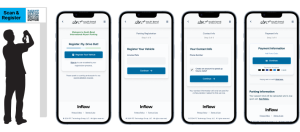
Payment
1. Drive to the exit booth
2. The system detects your plate
3. If you are registered, payment happens automatically, and the gate opens. Simply drive through
Cash considerations:
•If not registering and paying cash, approach the gate and the attendant will tell you the amount due.
•Pay attendant, and exit.
Once you have entered the parking lot, you can visit this link to register your vehicle:
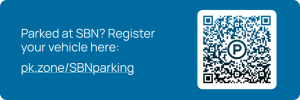
The vehicle must enter the parking lots prior to registration to ensure the rate is correctly calculated upon exit.
Short-Term ($$ – closest to terminal)
Short-term parking is currently closed for construction.
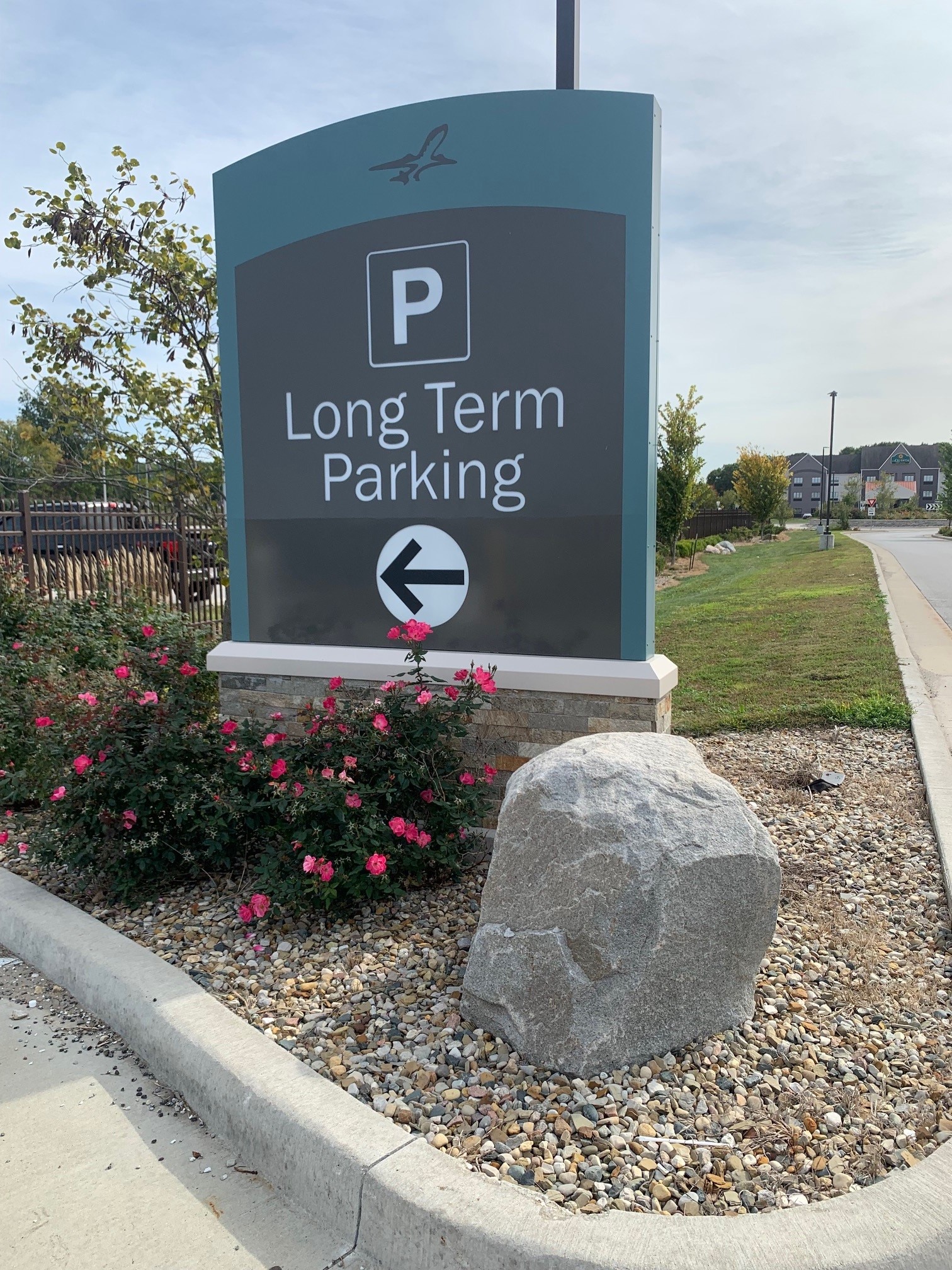
Long-Term ($)
Approximate walking time to the terminal: 2–4 minutes
Up to 30 minutes – FREE
Up to 1 hour – $1
Each additional hour – $1
24-hour maximum rate – $13
18-Hour Lot ($)
Approximate walking time to the terminal: 3–4 minutes
5 a.m. to arrival of last daily train — $1 / 18-hours. For payment, please follow the steps below at the Pay Station in the lot:
- Take a photo of your license plate or write down you license plate number
- You must pay before you leave the lot
- Go to the Pay Station and hit any key on the device
- Machine will prompt you to input your license plate
- Follow directions on the screen – Cash in exact change is accepted (no change distributed) or insert debit/credit card
- Day travelers wanting to purchase monthly or additional passes, please scan QR code on the sign and follow the prompts
- You do NOT need to have the receipt on your dashboard
18-hour maximum stay (no overnight parking allowed)
Curbside Valet Parking Service
Valet parking is currently closed for construction.
Cell Phone Waiting Lot (FREE)
Approximate walking time to the terminal: 3–4 minutes (located within the 18-hour lot)
Picking someone up? Pull into our free Cell Phone Waiting Lot to wait for your passenger(s) to arrive. From the main terminal entrance, look for the signs on the left side of the roadway. When your passenger arrives, pull up to the curb to pick them up. See airport map.
Airline Crew Parking
All airline crew parking is handled by Interstate Parking Company. To fill out a Monthly Parking Agreement form, please go to the Airport Information office. Please call Airport Information at (574) 282-4590 #0 with any questions.
Parking FAQs
Additional questions regarding parking? See our parking FAQs here.
 Contact
Interstate Parking Company: (574) 850-5410 or email [email protected]